Bring your photos
Choose JPEG or PNG files from your device. Add up to 100 photos in one import.
✳ LESS CLICKING. MORE STORYTELLING.
Turn a folder’s worth of photos into Google Slides. One photo per slide, in the order you choose. Let PhotoToDeck handle the repetitive part.
Coming to Google Workspace Marketplace
 02 / Somewhere by the sea
 01 / The start of a good story ↗
Classroom moment ✳ Team presentation ✳ Big adventure ✳ Little celebration
FROM CAMERA ROLL TO “READY TO SHARE”
Keep your creative energy for the presentation.
Getting the photos in should be the easy part.
Choose JPEG or PNG files from your device. Add up to 100 photos in one import.
Arrange your photos and choose how they fit. Preview before you commit.
Create one slide per photo. Keep editing and presenting in Google Slides.
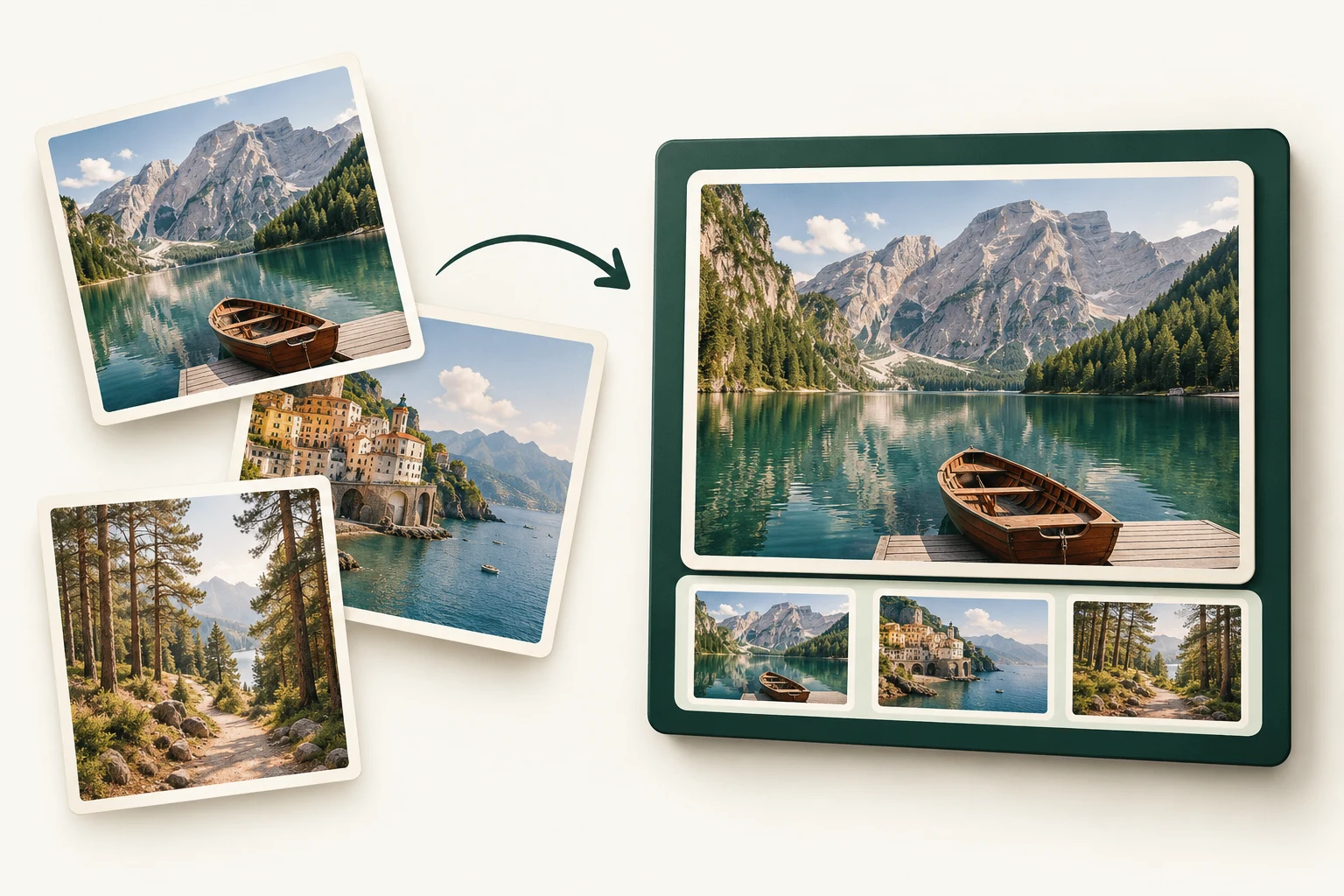
A LITTLE HANDS-ON MAGIC
Choose a photo, change the fit, and reverse the order. Then open your sample slideshow to see the result.
Interactive illustration, not the add-on.
Sample images only. Nothing is uploaded.
Choose a photo to preview.
SMALL DETAILS. BIG DIFFERENCE.
Tell your story the way you intended. Choose the sequence before importing.
Fit the whole image or fill the slide. Your presentation, your preference.
Your slides stay editable in Google Slides. Add your own titles and finishing touches.
Skip adding photos one by one. Bring a whole selection into your deck.
FOR THE MOMENTS WORTH SHOWING
Make room for the stories behind your photos.
A LITTLE CREDIT GOES A LONG WAY
One credit per photo successfully imported.
One-time packs. Paid credits never expire.
THE QUICK PROJECT
$5 USD
A focused presentation, a classroom activity, or a weekend away.
Explore the demo ↗THE NEXT FEW STORIES
$12 USD
Multiple presentations and more moments you want to share.
Explore the demo ↗THE BIG PICTURE
$29 USD
For people who turn photos into presentations more often.
Explore the demo ↗Prices before applicable tax. Up to 100 photos per import; larger packs can be used across multiple imports.
Final launch terms and availability will be published before purchases open.
Not yet. PhotoToDeck is in prelaunch testing. When it is approved and available, this website will link to its Google Workspace Marketplace listing. Explore the sample slideshow while public installation is being prepared.
The add-on supports JPEG and PNG files selected from your device. The interactive demo on this page uses sample images only.
One credit is used for each photo successfully imported. The current limit is 100 photos per import, regardless of your credit pack size. A larger pack gives you credits for multiple imports. Paid credits never expire. Fully unused packs are eligible for a refund request within 14 days of purchase.
In the add-on, photos are prepared in your browser, temporarily uploaded for processing, and inserted into your Google Slides presentation. A background cleanup process removes temporary uploads. The app’s data-handling policy and retention details will be published before public installation opens.
The planned public installation is through Google Workspace Marketplace. Customers will authorize the add-on and connect their presentation; they will not need to copy code or deploy scripts.
No. PhotoToDeck is an independent product operated by Overgrow Media Co. Google Slides and Google Workspace are trademarks of Google LLC.
LESS SETUP. MORE SHOW-AND-TELL.
Made for the photos you can’t wait to share.